Provisioning - How to Manage a Number
Effortlessly managing numbers is at your fingertips through our inbuilt APIs, tailored to the structure of each main provider. While APIs may vary, there are four fundamental functions that remain universal:
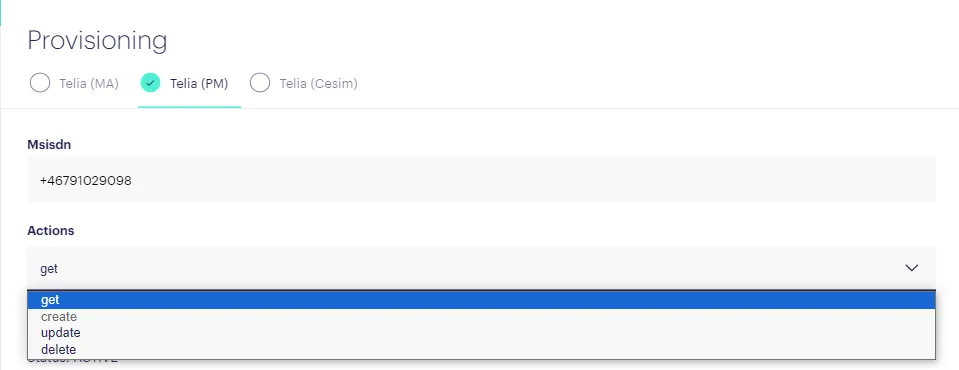
Get Function: Use the "Get" function to retrieve comprehensive information from a provider for a specific number. This function can also cross-reference the ICC (Integrated Circuit Card) also known as the SIM with the number. It's often employed to extract specific details like forwarding or barring settings.
Update Function: The "Update" function comes into play after retrieving information with the "Get" function. This function allows you to modify any field that requires changes. Common fields for updates include number forwarding, enabling 5G capabilities, and updating roaming cost limits. Remember to press the "Submit" button to save your updates afterwards!
Create Function: The "Create" function generates a number based on specified parameters. Although this function is less utilized due to the prevalence of creations through activations in the Subscriptions tab, it remains available for specific cases.
Delete Function: The "Delete" function removes any reference to a subscription from the provider's system. If an active subscription is deleted, it will require re-activation. This function is handy for certain troubleshooting scenarios.
Our provisioning system offers a straightforward approach to managing numbers. With these core functions, you can navigate through various tasks efficiently and maintain precise control over your subscriptions.