Numbers - How do I search for a number?
Searching for Numbers in the Admin Portal
Searching for numbers in the Admin Portal can be done using the number tab. In this article, we will explain the different ways you can search in the portal.
Using the Number tab
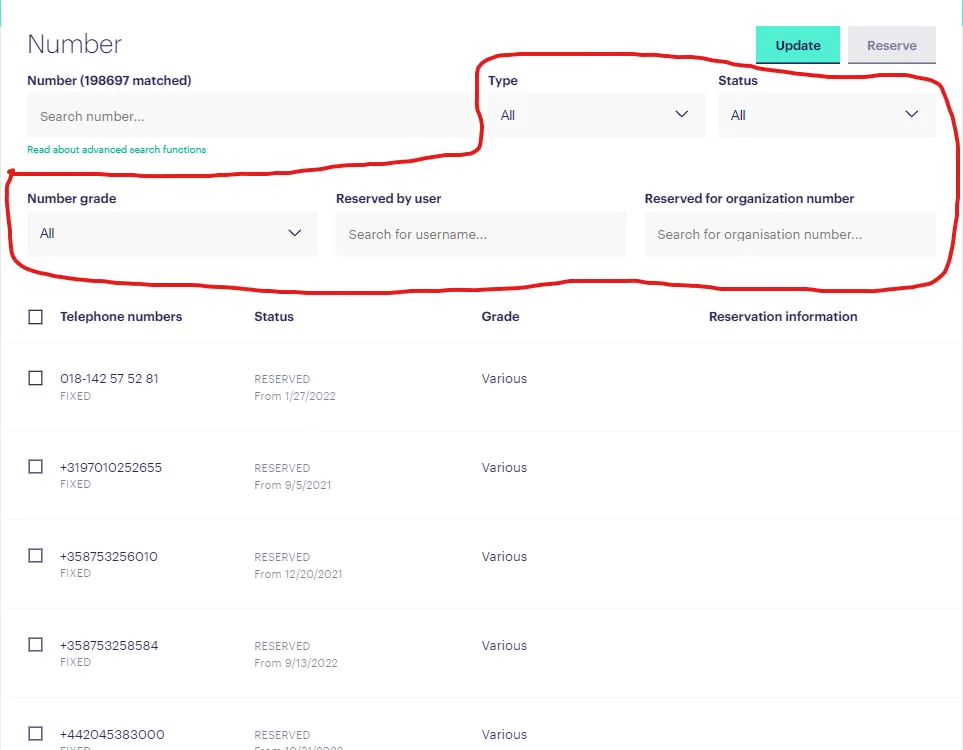
To search for numbers in the Admin Portal, navigate to the number tab. On this page, you’ll be able to search using the search bar as well as filters.
Filtering Searches
The filters you can use to narrow your search are: type, status, number grade, reserved by user, reserved for organisation number. With these filters, you can refine your search to make finding the right number easier:
Regular Expressions
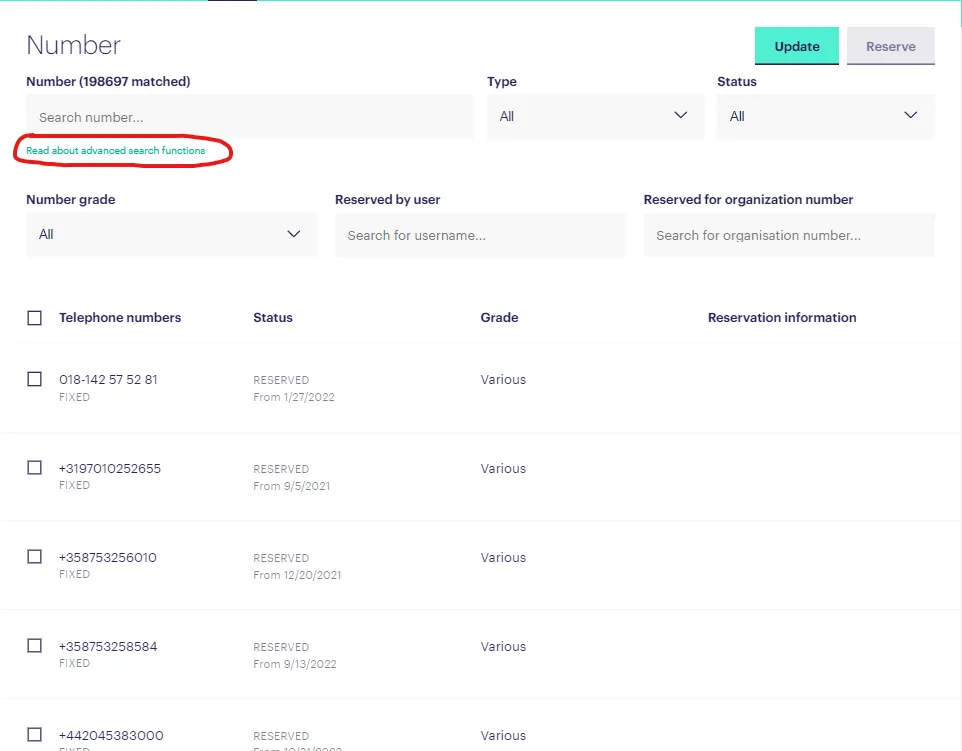
You can also use a specific set of regular expressions to search for a specific number in the Admin Portal. To read more about the regular expressions and how to use them, click on this link in the number portal:
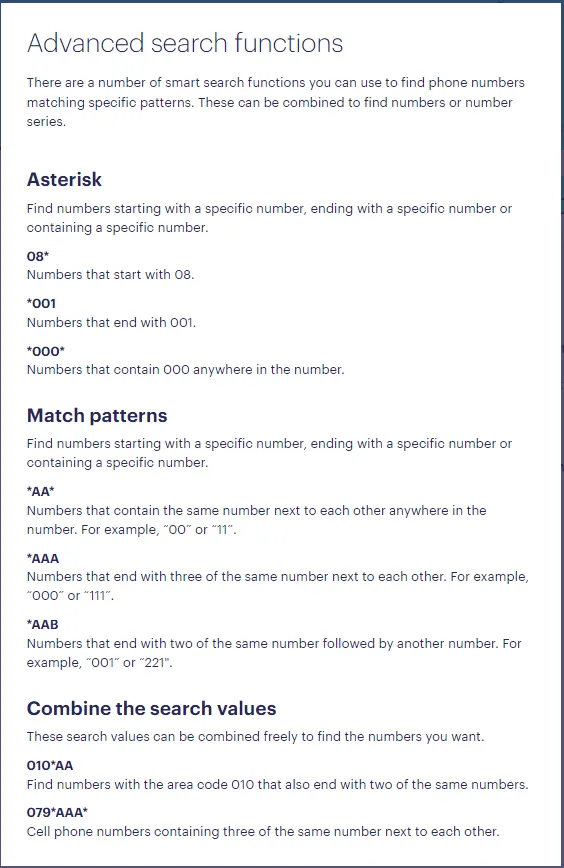
Inside the guide you will find this summary of functional expressions:
Finding the right numbers in the Admin Portal can be made simpler with the right tools. With the search bar, filters and regular expressions, you can quickly locate the numbers you’re looking for.