Subscriptions - How do I search for a subscription?
4 min
Finding a subscription has never been easier with our intuitive system. Follow these straightforward steps to quickly locate the subscription you need:
1. Access the Subscription Tab: Navigate to the "Subscriptions" tab within the admin view. This is your gateway to managing subscriptions efficiently.
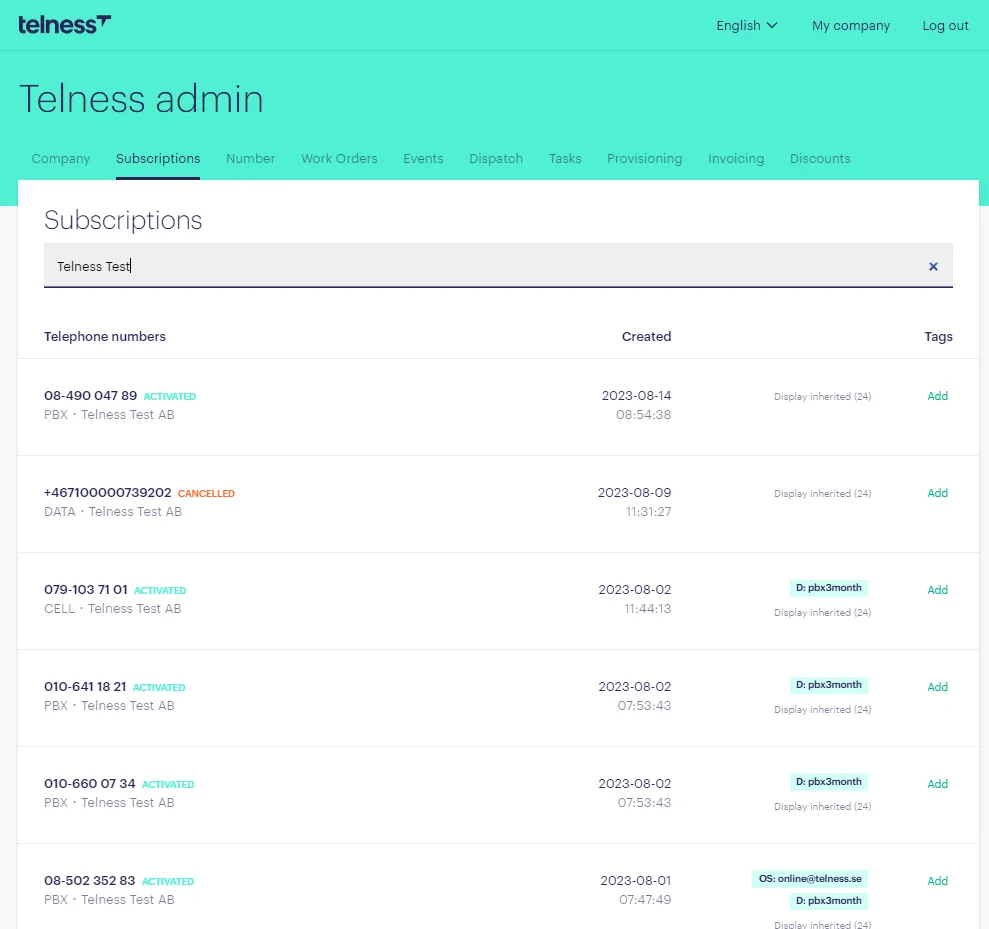
2. Utilize the Search Bar: Our system offers a powerful search bar that supports multiple search methods. You can search for a subscription using:
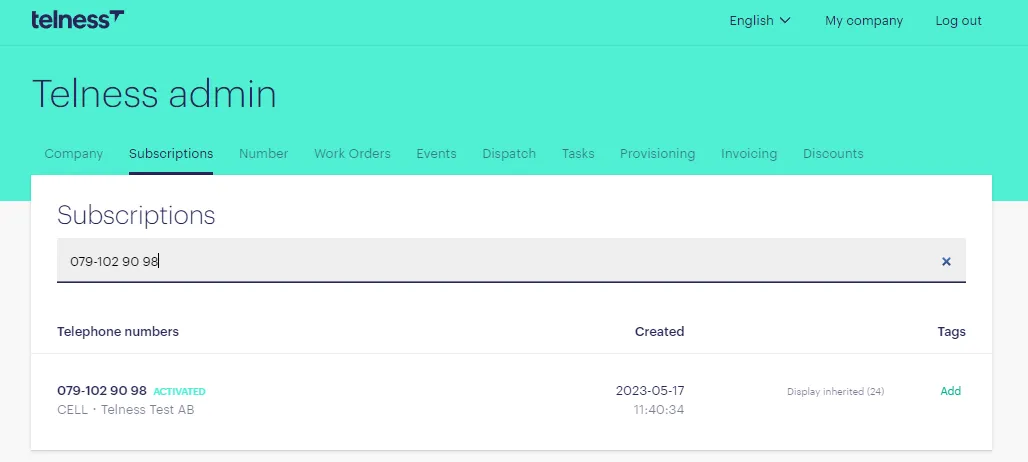
- MSISDN (Number): Enter the MSISDN (Mobile Station International Subscriber Directory Number) associated with the subscription.
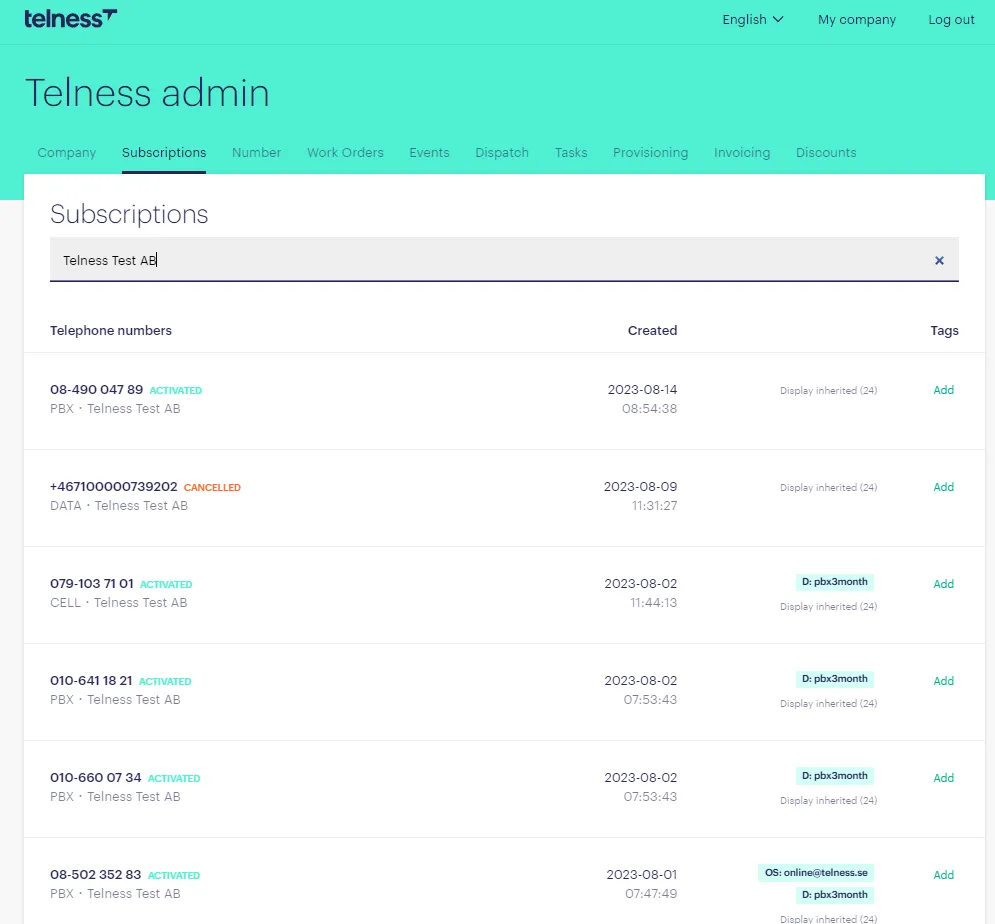
- Customer Name: Input the customer's name to narrow down the search results.
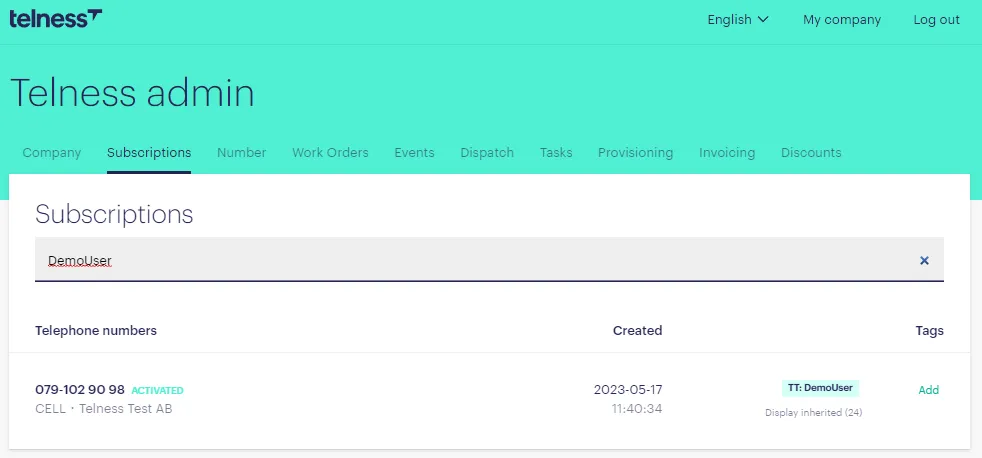
- Tag Associated with Subscription: If you've tagged a subscription with a specific tag, it will show up with this search.
- Subscription ID: Enter the unique ID assigned to the subscription for a direct search.
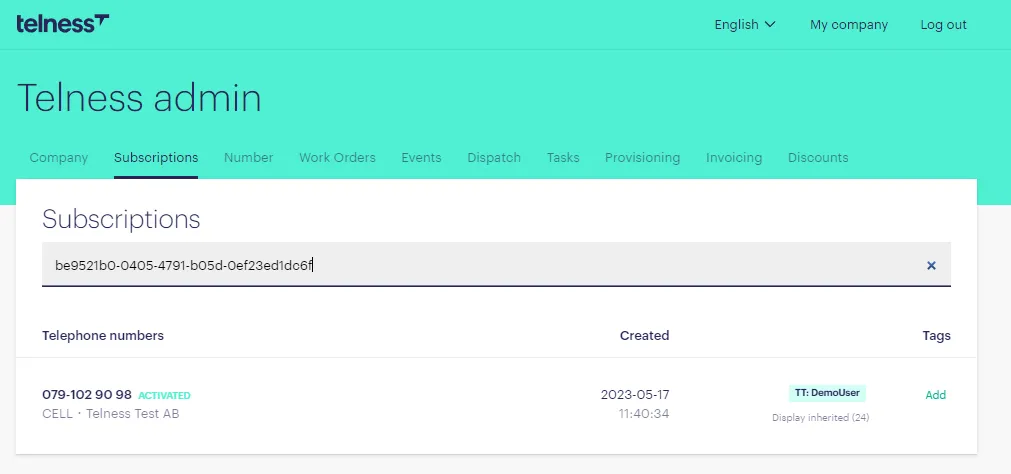
With these search options at your disposal, you can quickly find the subscription you're looking for, making subscription management a breeze.